Planning
Assignment and study planning
Track due dates, organize schoolwork, and keep study sessions visible in the same place as the rest of the dashboard.
- Assignment Tracker
- Study Planner
- Deadline visibility
Student keeps the Starter workspace and adds tools built for school workflows, class planning, due dates, grades, flashcards, and academic routine management.
Student keeps the main Starter workspace and layers school-specific tools on top.
Enough structure for classes, studying, grades, flashcards, and time planning.
Built for students who need a better dashboard than scattered docs and tabs.
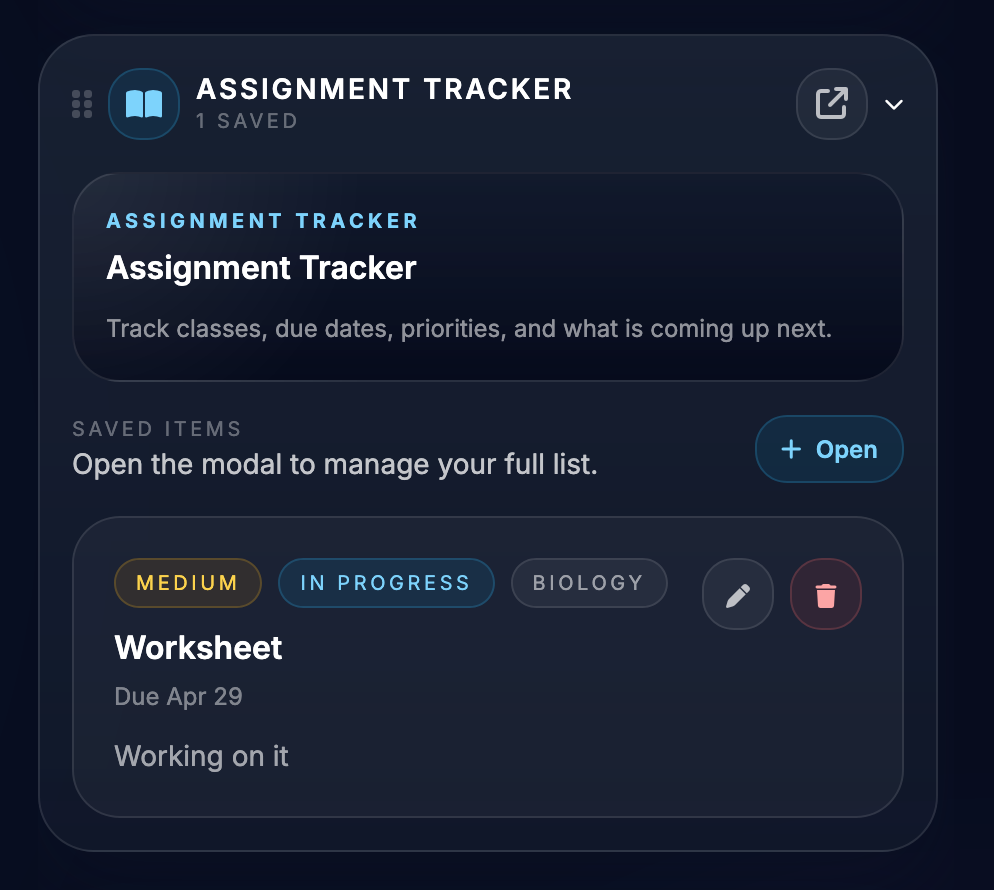
Track due dates, organize schoolwork, and keep study sessions visible in the same place as the rest of the dashboard.
Student adds structure around courses, grading, schedules, and routine school logistics.
Flashcards support repetition and mobile-friendly study use so class material is easier to revisit.
Keep a closer eye on simple student budgeting alongside academic planning.
Student still keeps the main bookmark and daily utility system, so school tools are not isolated from the rest of the workflow.
The goal is to give students one reliable home for planning, studying, and organizing rather than juggling disconnected tools.
See class work and due dates in a dedicated student workflow.
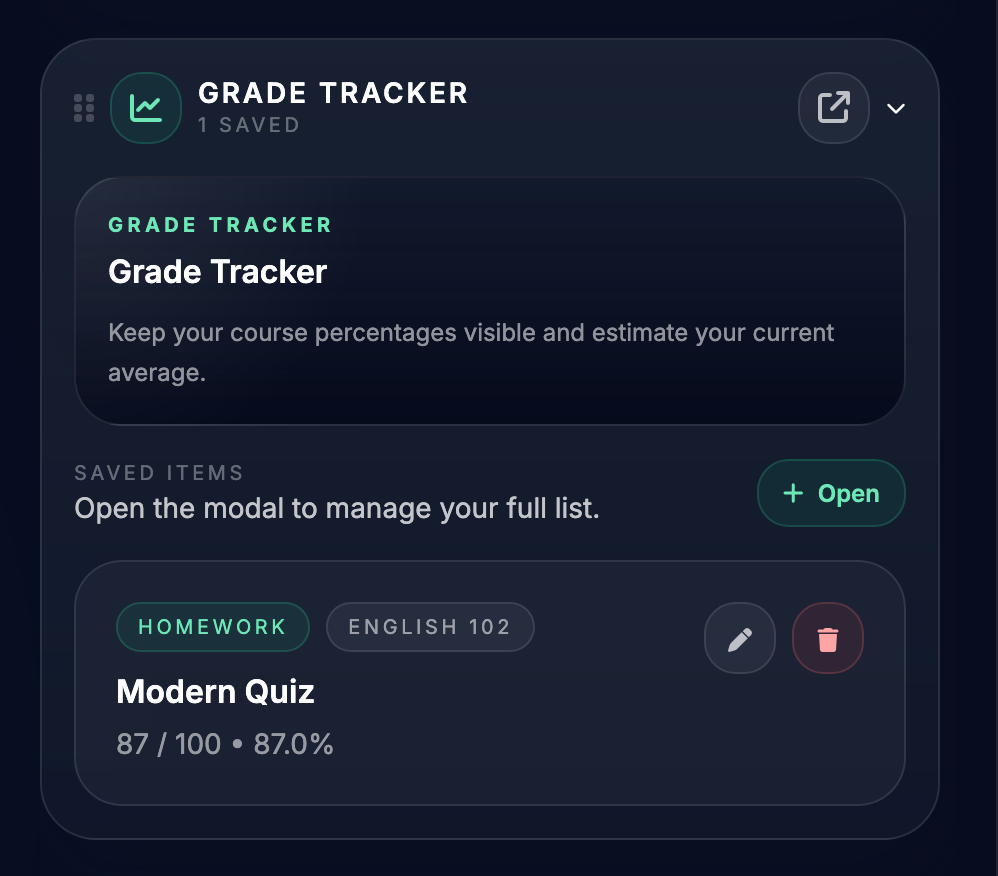
Monitor performance and course standing in one place.
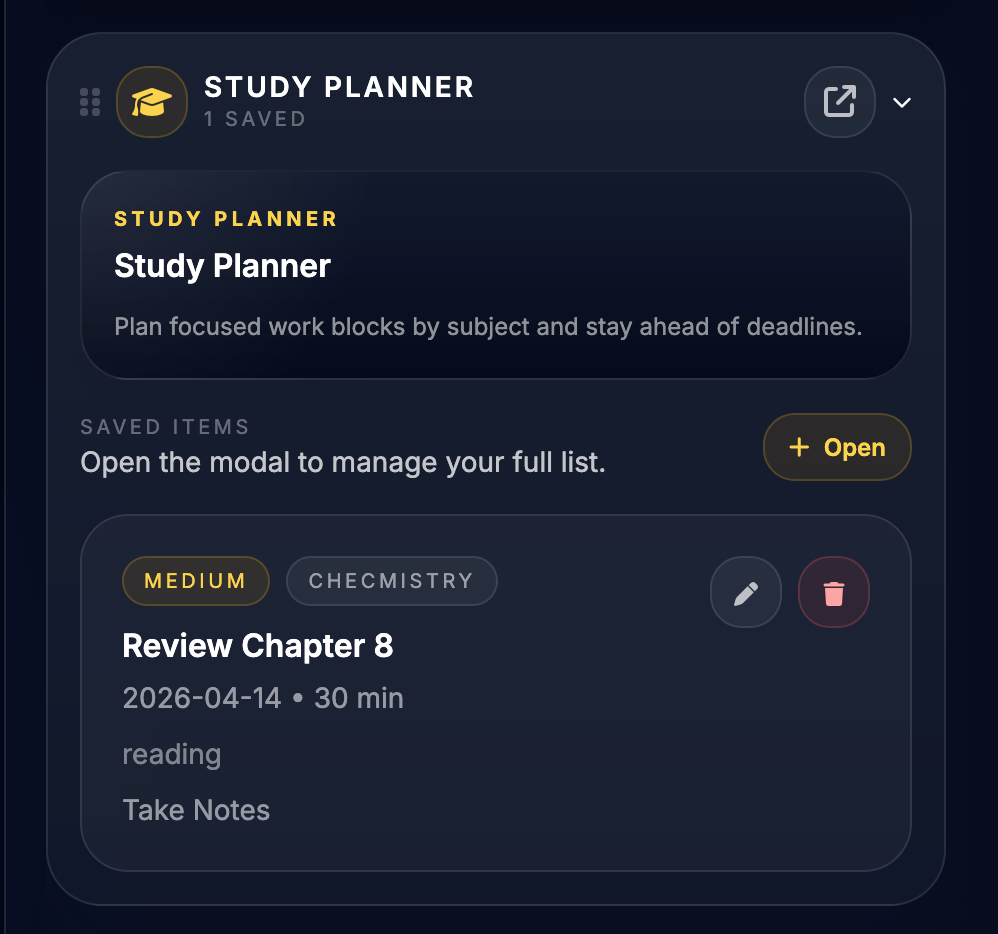
Schedule study blocks and keep sessions visible.
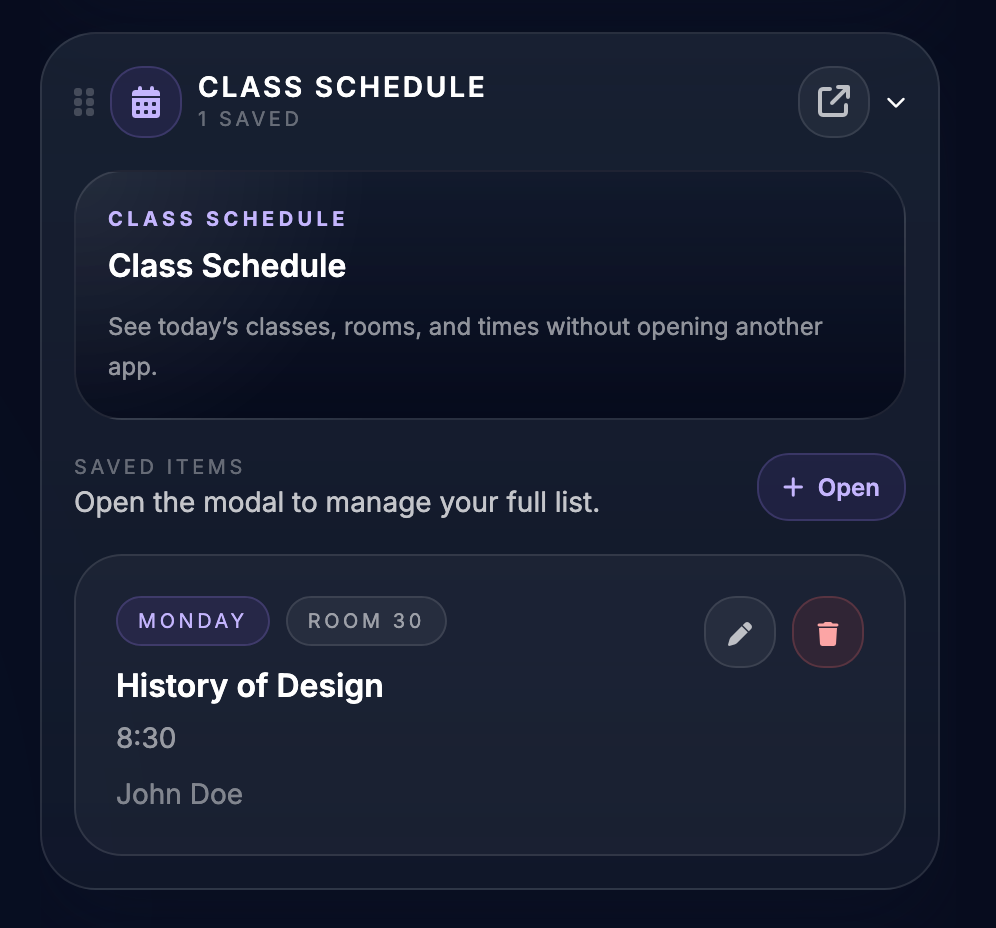
Map out classes and weekly timing more clearly.
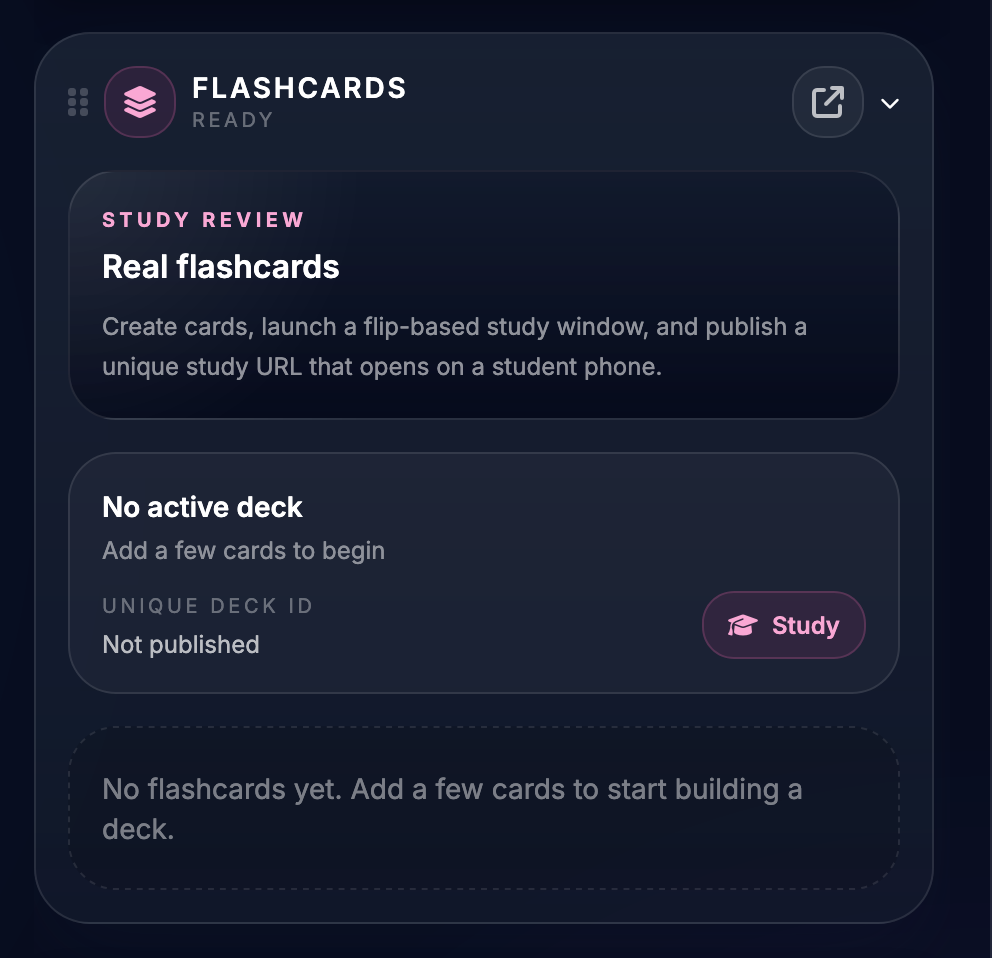
Review material with saved decks and study mode.
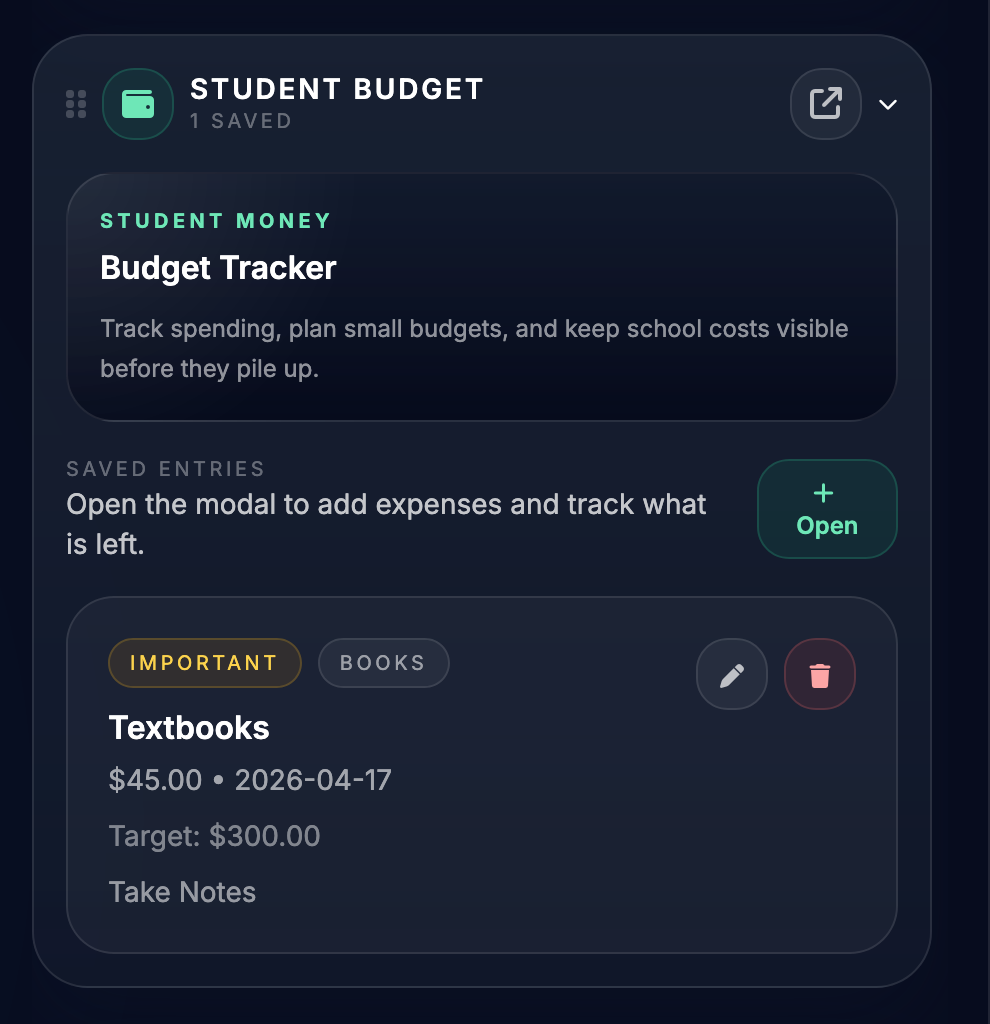
Track lightweight personal budgeting without leaving the workspace.
Yes. Student builds on top of Starter, so the base bookmark and utility workspace still comes with it.
Student is the better fit when the main need is school planning and academic organization rather than business tools and appointment workflows.
It gives search engines and visitors a focused explanation of the school toolset, which is stronger than burying that information only inside the homepage.
Yes. The demo helps show the overall dashboard experience even though the full plan mix depends on account tier.
Browse the tier pages, compare the plan stack, and send visitors straight into the demo or signup flow from a dedicated feature URL instead of hiding everything inside modals.