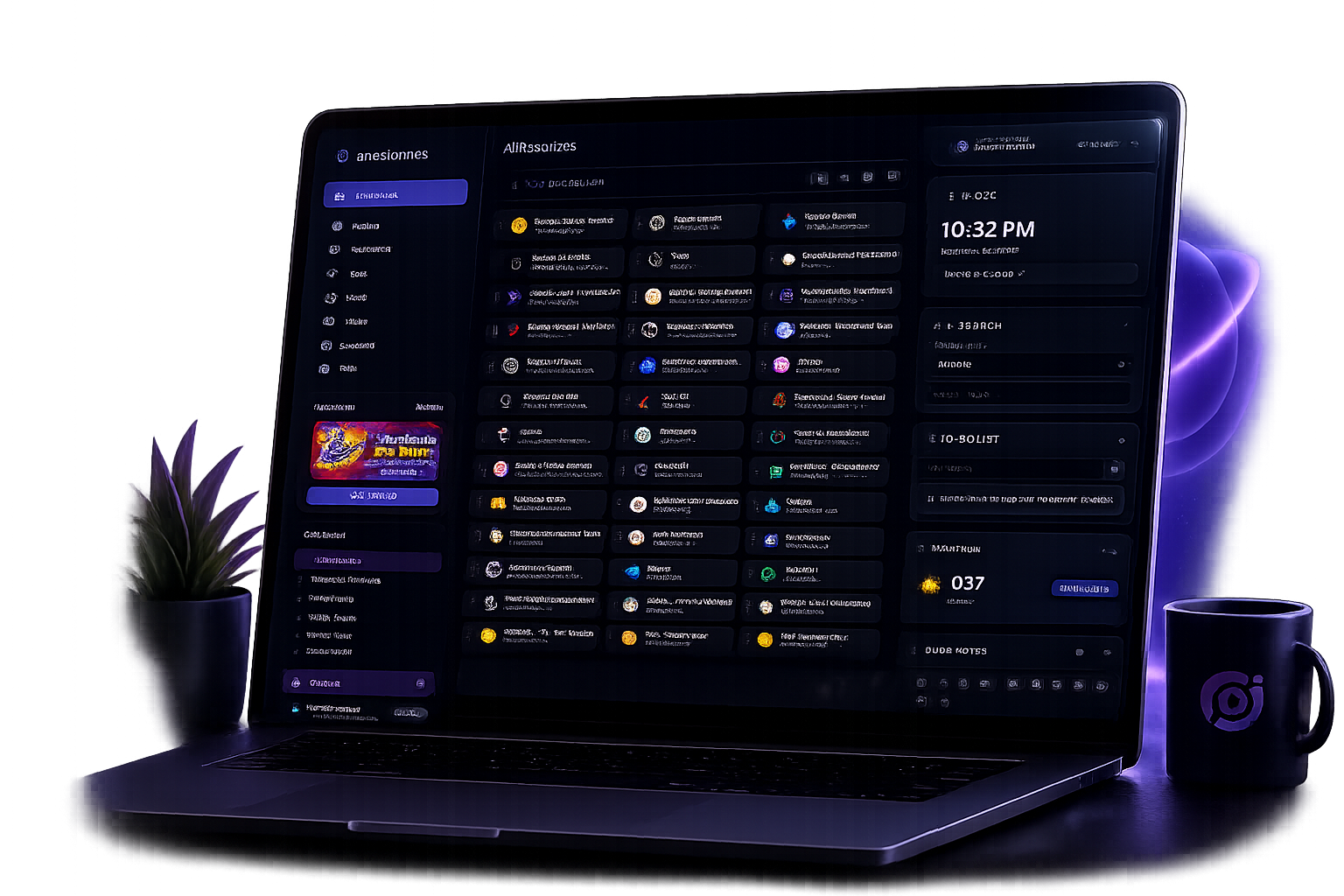
Customizable productivity dashboard

Your digital home office for organizing bookmarks, tools, and daily workflow.

Orbital Office brings your bookmarks, boards, widgets, and daily tools into one clean workspace so you can stop juggling tabs and start running your day with clarity. Plan, create, organize, and even manage client work — all in one place.

Organize
Boards, bookmark manager, widgets, and visibility controls
Create
AI, writing, spreadsheets, content planning, resume tools
Operate
Appointments, booking pages, deposits, full payments, Stripe
Explore the DEMO Dashboard - Only takes one minute
Use demo@email.com and $demopass! to preview the experience.
Open Demo Login

A calmer digital workspace to improve your daily workflow and tab fatigue.

Instead of bouncing between start pages, docs, tab groups, notes, widgets, and niche business tools, launch one dashboard built around how you actually work.

More than just a Bookmark Site, it's a Productivity Workspace

Orbital Office covers the daily mix of planning, research, writing, content, media, client work, scheduling, and service booking without turning into bloated software. Perfect for remote workers and service pros.

Plan-aware and Customizable Workspace Dashboard & much more...

Start simple on Starter, move into Student for school tools, or unlock Pro for appointment booking, payments, AI, files, leads, and the full widget workspace.

Dashboard Features

From bookmarks and focus tools to client workflow systems, Orbital Office gives you a flexible dashboard you can shape around your personal work style, side hustle, studies, or business.

Browser Extensions

Save bookmarks straight into Orbital Office while you browse.

Install the Orbital Office Clipper for Chrome or Firefox and send links directly to your boards without breaking your flow.

Core Workspace Features

Core

Boards & Bookmark System

Save, organize, and launch your most important links fast with customizable boards and rich bookmark previews. It doubles as a bookmark organizer, online bookmark manager, and browser bookmark manager for everyday work.

Core

Drag & Drop Everything

Rearrange widgets, bookmarks, and layouts instantly with smooth drag-and-drop control across your workspace.

Core

Workflow Accelerator

Orbital Office saves you serious time by replacing tab clutter, app switching, and scattered tools with one unified workspace where your links, widgets, tasks, media, and business workflows are always ready in one place. Starter also gives new users a practical free bookmark organizer before they decide whether to unlock more power.

Starter Productivity Widgets

Explore Starter Feature Page
Starter

Dashboard Clock

Keep time visible in your productivity workspace with a clean dashboard clock widget that helps you stay on schedule, focused, and aware of your day.

Starter

Web Search Widget

Search the web from one compact dashboard search widget with multiple search engine options, helping you find information faster from a single workspace.

Starter

Weather Forecast

Check current weather conditions and forecasts from your dashboard so you can plan your day, travel, appointments, and outdoor work more easily.

Starter

Dictionary Widget

Look up word definitions, meanings, spelling, and language details instantly with a built-in online dictionary right inside your Orbital Office dashboard.

Starter

Thesaurus

Find synonyms, related words, alternate phrasing, and stronger wording choices quickly with a built-in thesaurus for writing and editing workflows.

Starter

Map & Location

Find locations, view maps, check routes, and explore places faster with an integrated map widget built into your all-in-one productivity dashboard.

Starter

News Feed

Stay current with live news headlines and updates inside your dashboard so you can follow important stories without opening extra tabs or apps.

Starter

Online Calculator

Use a built-in online calculator for quick math, everyday totals, budgeting, pricing, markups, and fast business calculations without leaving your Orbital Office dashboard.

Starter

Note Taking

Capture ideas, reminders, to-dos, and quick thoughts with simple auto-saving notes that keep your important information close while you work.

Starter

Typewriter Editor

Write in a distraction-free editor with an immersive typewriter experience, including real typewriter sound effects that make writing more focused, satisfying, and fun.

Starter

Wikipedia Research

Search Wikipedia and preview articles directly in your workspace for faster research, learning, fact-finding, and reference checking without extra browsing.

Starter

Resume Builder

Create, edit, and organize professional resumes faster with a built-in resume builder designed for job seekers, freelancers, creatives, and business owners.

Starter

YouTube Integration

Search YouTube and launch videos quickly from your dashboard for tutorials, learning, music, entertainment, and content research without breaking your workflow.

Starter

Spotify Player

Play Spotify music, playlists, stations, and podcasts directly inside your Orbital Office dashboard while you work, plan, write, and stay productive.

Starter

Language Translator

Translate text across multiple languages instantly with a built-in translator widget that helps with communication, writing, research, and international workflows.

Academic Student Tools

Explore Student Feature Page
Student

Assignment Tracker

Track homework, projects, essays, due dates, priorities, and progress in one clear place so students can stay organized and avoid missed deadlines.

Student

Grade Tracker

Monitor grades, scores, averages, and course performance more easily with a simple grade tracking widget built for students and school planning.

Student

Class Schedule

Keep your weekly class schedule visible with a simple academic planner that helps students organize classes, routines, and time blocks.

Student

Study Planner

Plan study sessions, prep for tests, break down subjects, and organize review time with a focused planner designed for academic workloads.

Student

Exam Countdown

Keep upcoming tests, finals, quizzes, and deadlines visible so students can prepare earlier and reduce last-minute stress.

Student

GPA Calculator

Calculate GPA quickly and keep a better view of academic progress across classes, terms, and grading periods.

Student

Study Flashcards

Create quick study and review cards for terms, definitions, concepts, and memorization-heavy subjects from one focused workspace.

Student

Research Organizer

Keep research links, sources, notes, and references together in one organized place for essays, reports, and study projects.

Student

Student Budget Tracker

Track spending, balances, books, food, subscriptions, and student expenses with a simple budget tool built for everyday school life.

Pro Appointment Booking & Workspace Tools

Explore Pro Feature Page
Pro

AI Assistant

Use a built-in AI assistant for writing, brainstorming, summarizing, planning, organizing ideas, and speeding up daily work inside your Orbital Office productivity dashboard.

Pro

Appointment Booking Manager

The main Pro seller: build service booking pages, manage availability, collect deposits or full payments, and keep client scheduling tied to your Orbital Office workspace.

Pro

Spreadsheets

Work with spreadsheet-style business documents for planning, operations, calculations, tracking, and organization directly inside your Orbital Office workspace.

Pro

Color Picker

Pick colors, copy color values, and manage design palettes faster with a built-in color picker for branding, web design, graphics, and creative workflows.

Pro

File Transfer Drop

Send, collect, and manage shared files from one simple transfer drop built for client handoffs, creative proofs, project assets, and everyday document exchange.

Pro

Accounting

Track income, expenses, records, and day-to-day money flow with lightweight accounting tools that fit neatly inside your dashboard workflow.

Pro

Shopping List

Build reusable shopping lists for groceries, office supplies, gear, and repeat purchases with a printable workflow that keeps everyday buying organized.

Pro

Social Content Planner & Publisher

Plan blog posts, social media content, video ideas, and marketing campaigns, then connect Postiz to queue social posts from the same workflow. Available on Pro.

Pro

Conversion Calculator

Convert measurements, design values, dimensions, units, and business numbers quickly with a built-in conversion calculator made for real daily work.

Pro

Currency Converter

Convert currencies in real time with a built-in currency converter that helps with international pricing, budgeting, estimates, travel, and global business workflows.

Pro

Pomodora Focus Timer

Improve focus, manage work sessions, and structure your day with a Pomodora timer built to support productivity, concentration, and healthier work breaks.

Pro

QR Code Generator

Generate QR codes instantly for websites, links, contact details, text, and promotions with a fast QR code generator built into your dashboard.

Pro

Business Report Writer

Create structured reports, organized documents, summaries, and written records faster with a clean report writing tool inside your business workspace.

Pro

Widget Visibility

Show, hide, and customize dashboard widgets so your workspace stays clean, organized, and tailored to the tools you actually use every day.

Pro

Zoom Meeting Launcher

Launch Zoom meetings quickly from your dashboard for calls, virtual appointments, client meetings, team check-ins, and remote collaboration without extra friction.

Who it fits

Built for entrepreneurs, creators, freelancers, and solo business operators.

Orbital Office works well when your day includes a mix of planning, research, content, clients, admin work, and repeat browser tasks that deserve a better home than endless tabs.

Freelancers & consultants

Manage bookmarks, content, leads, notes, writing, client scheduling, and service work from one dashboard.

Creators & marketers

Keep research, YouTube, Spotify, news, content planning, ideas, and AI help close together while you publish.

Service providers

Use AI, file sharing, lead tracking, booking, payment options, and workflow tools to run the operational side faster.

Remote workers

Bring together appointments, bookmarks, files, notes, and everyday utilities instead of juggling disconnected apps.

Why it helps
Less tab fatigue

Pull repeat tools into one dashboard instead of constantly reopening the same sites and utilities.

Cleaner context switching

Move between content, research, planning, media, and operations with less friction and fewer lost tabs.

Grows with your workflow

Start as a clean bookmark dashboard, then unlock deeper productivity or business operations when you need them, including stronger small business productivity tools as you grow.

Everything stays organized

Keep boards, bookmarks, widgets, and everyday tools grouped in a way that feels structured instead of scattered.

Saves time every day

Cut down on repetitive searching, reopening pages, and rebuilding the same setup each time you start work.

Keeps your focus tighter

Bring the tools you actually use into one place so you can stay on task instead of drifting between distractions.

Feels more intentional

Build a workspace that supports how you actually work, so your setup feels purposeful instead of pieced together.

Built for You

Join people building a calmer, more capable workspace.

Orbital Office is made for people who want one place to organize the web, reduce friction, and keep their tools where they can actually use them. Less hunting, less clutter, more flow.

For the messy middle
Perfect when your workflow sits between "simple homepage" and "expensive pro suite."
For real daily use
Bookmarks, widgets, planning, media, writing, and operations in one dashboard you can actually keep open.
For scaling up without the chaos
Start with Starter, move into Student for school, or choose Pro when AI, files, leads, booking, focus tools, and full workspace control matter most.
Pro workflow

Appointment Booking Manager is the main Pro upgrade.

Pro is built for ISPs, contractors, consultants, freelancers, and service businesses that need a simple way to accept bookings, take payments, manage client requests, and keep the rest of their workspace organized.

Accept bookings online

Create a client-ready booking page, set up services, manage availability, and give customers a cleaner way to request appointments without sending them through a messy back-and-forth.

Take deposits or full payments

Use payment-aware booking flows for deposits or full payment collection, with Stripe and PayPal support for service providers.

Manage client workflow

Keep leads, client files, appointment notes, service setup, and follow-up work close to the dashboard you already use every day.

Part of the full workspace

Booking is the Pro anchor, but it sits beside AI help, File Transfer Drop, leads, spreadsheets, QR Generator, Pomodoro, Zoom, Spotify, YouTube, and visibility controls.

Pricing

Simple Workspace Pricing

Start free with Starter, move into Student for school-focused tools, or unlock Pro for the Appointment Booking Manager, payments, AI, files, leads, and the full workspace.

Starter

Free

A clean daily workspace for organizing the web and staying on top of essential tools.

  • Boards, bookmarks, and drag-and-drop dashboard layout
  • Core widgets like search, weather, map, news, dictionary, YouTube, and Spotify
  • Great for personal organization, lightweight planning, and getting started fast
  • Student widgets are visible here but stay locked until you upgrade
Student

$5

/month

Built for students who want the Starter workspace plus school-focused tools for planning, tracking, and staying organized.

  • Everything in Starter, plus access to student-focused tools
  • Assignment Tracker, Grade Tracker, Class Schedule, and Study Planner
  • Great for managing classes, coursework, deadlines, and study sessions
  • Advanced Pro tools and Pro business workflows stay locked
Most Popular
Pro

$10

/month

For service pros who want booking, client payments, AI help, files, leads, and advanced workflow tools inside the same workspace.

  • Everything in Starter and Student, plus Appointment Booking Manager, AI Assistant, Lead Tracker, and Spreadsheets
  • Client booking pages, deposits/full payments, File Transfer Drop, QR Generator, Pomodoro, Zoom, Spotify, YouTube, and more
  • Best fit for ISPs, contractors, consultants, freelancers, appointment-based businesses, and client-service workflows
  • Includes Student widgets, full workspace controls, and the Pro Appointment Booking Manager
Explore the demo dashboard
Use demo@email.com and $demopass! to preview the experience.
Open Demo Login

Frequently asked questions

A few quick answers for people deciding whether Orbital Office fits their workflow.

What is Orbital Office?

It is a web-based productivity dashboard that combines bookmarks, widgets, AI, planning tools, and optional business operations features into one digital workspace.

Can I start free?

Yes. Starter gives you the core workspace, bookmark organization, and a practical set of everyday widgets so you can get organized without paying upfront. It is a useful starting point if you want a free bookmark organizer with room to grow.

Who should use Student?

Student is best for people who want the Starter workspace plus school-focused tools for tracking assignments, organizing classes, following grades, and planning study time.

How do payments fit into Orbital Office?

Pro is built around the Appointment Booking Manager, so service businesses can manage services, client scheduling, deposits or full payments, and Stripe-friendly booking workflows from the same dashboard.

Is Orbital Office just for business owners?

No. It works for freelancers, remote workers, students, creatives, and anyone who wants a cleaner way to organize tools, links, research, and day-to-day workflow in one place.

Can I save bookmarks while browsing?

Yes. Orbital Office supports browser clipper extensions so you can send bookmarks into your dashboard and boards without breaking your flow.

Do I need to use every feature?

Not at all. You can keep it simple and use it as a focused bookmark and widget dashboard, then add more tools only when your workflow calls for them.

Does Orbital Office include AI tools?

Yes. Higher plans include AI chat features that fit into the workspace so you can keep research, writing, planning, and daily operations closer together.

What makes it different from a bookmarks app?

Bookmarks are only part of the system. Orbital Office is designed as a full workspace where your saved links, widgets, planning tools, media, and operational features can live together, giving you a stronger custom start page for daily work.

Ready to replace tab clutter with a real workspace?

Build your dashboard around the way you work now, then unlock deeper tools only when you need them.