Free starter plan Features

Starter features for people who want a cleaner daily workspace.

Starter gives visitors a real Orbital Office landing spot for bookmarks, daily utilities, quick reference tools, and practical dashboard widgets without paying upfront.

Free
Plan cost

A no-cost entry point for people who want to reduce tab clutter and centralize repeat tools.

15+
Daily widgets

Core tools for search, notes, reference, utility, media, and quick dashboard tasks.

1
Home base

Bookmarks and lightweight widgets live together in one repeatable workspace.

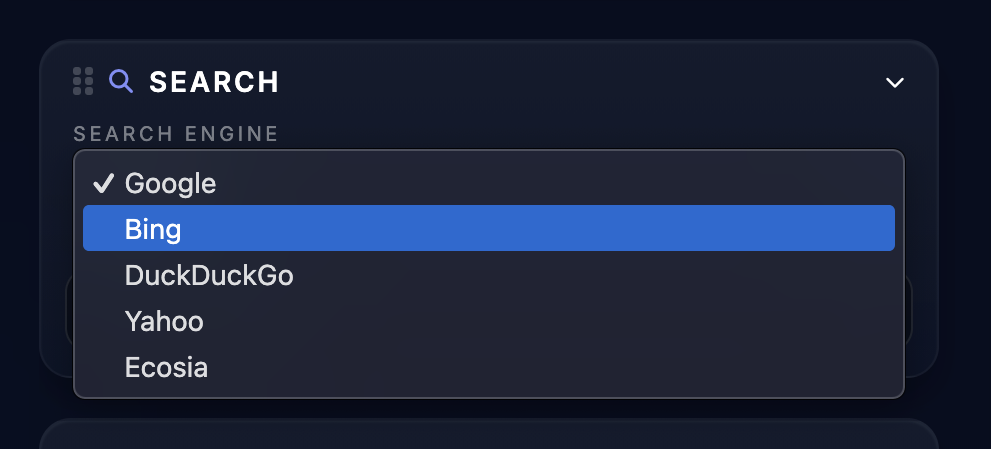
Orbital Office Starter search widget screenshot
Included tools

What you get in Starter

Compare plans
Bookmarks

Boards and bookmark organization

Starter includes the core board system so users can save, group, and reopen the links they use all the time.

  • Save bookmarks into organized boards
  • Cut down repeat tab hunting
  • Use the dashboard as a default launch point
Utilities

Everyday utility widgets

Keep practical helpers close by for quick math, weather checks, time, QR generation, colors, conversions, and maps.

  • Calculator and clock
  • Weather and map tools
  • Currency conversion, QR, and color picker
Reference

Search and reference tools

Starter supports lightweight research and quick lookups without bouncing between multiple sites first.

  • Web search from the dashboard
  • Dictionary, thesaurus, and Wikipedia access
  • News widget for fast scanning
Capture

Notes, lists, and file drop

Jot down quick notes, manage a shopping list, and use File Transfer Drop for simple file handoff from the same workspace.

  • Quick Notes stays close at hand
  • Shopping List supports repeat use
  • File Transfer Drop adds simple file handling
Media

YouTube and Spotify widgets

Starter also keeps media nearby for podcasts, tutorials, music, and reference videos that support the workday.

  • Save media links nearby
  • Keep tutorials in the workspace
  • Reduce context switching
Customization

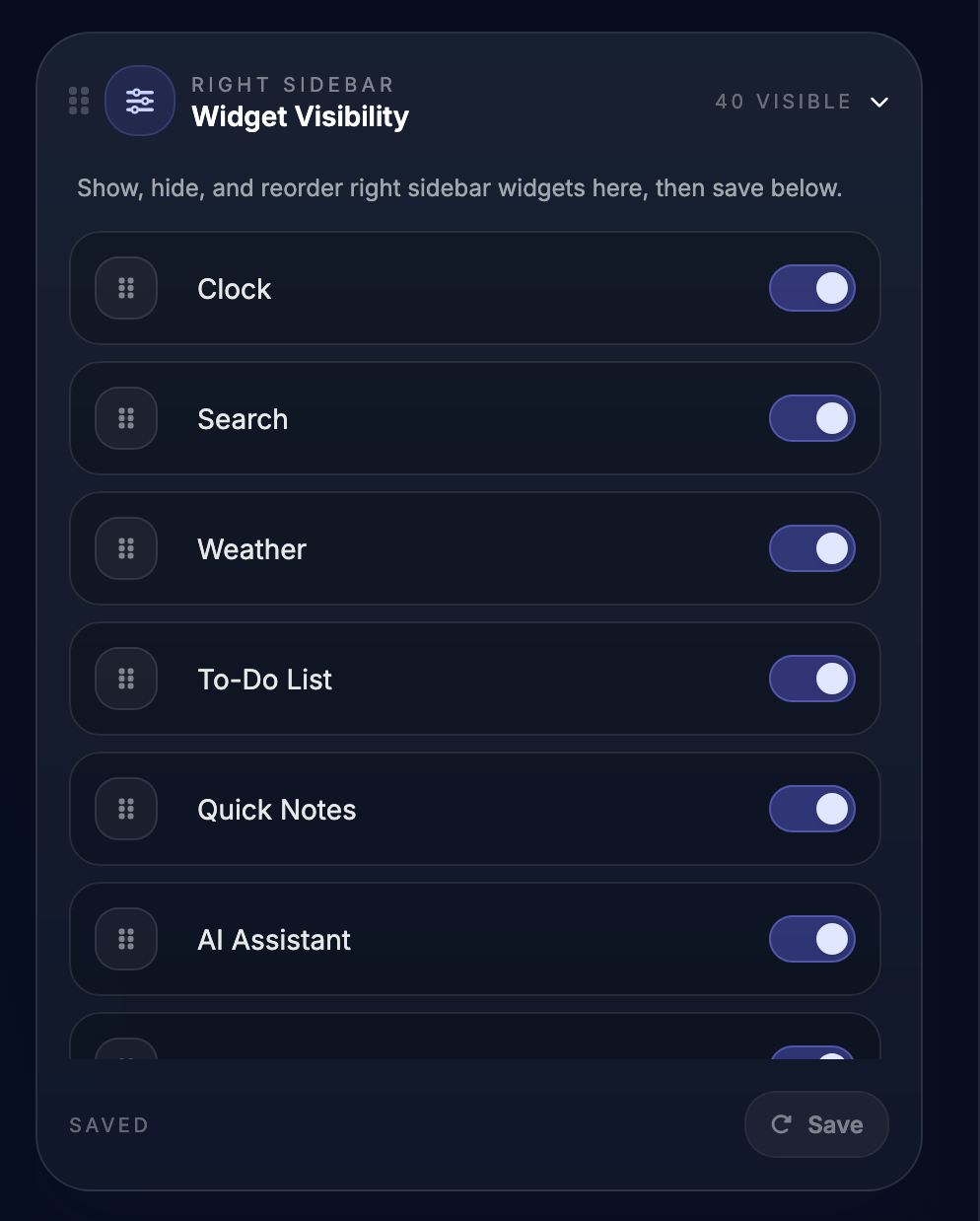
Widget visibility control

Users can show, hide, and reorder the Starter widgets they actually want visible on the dashboard.

  • Cleaner sidebar layout
  • Fewer distractions
  • A more tailored workspace
Screenshots

Inside the Starter workspace

Search widget
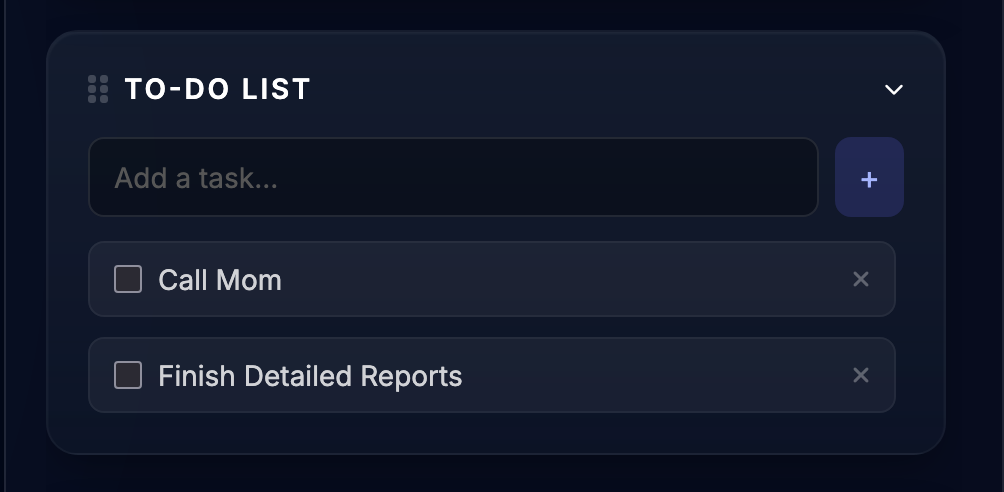
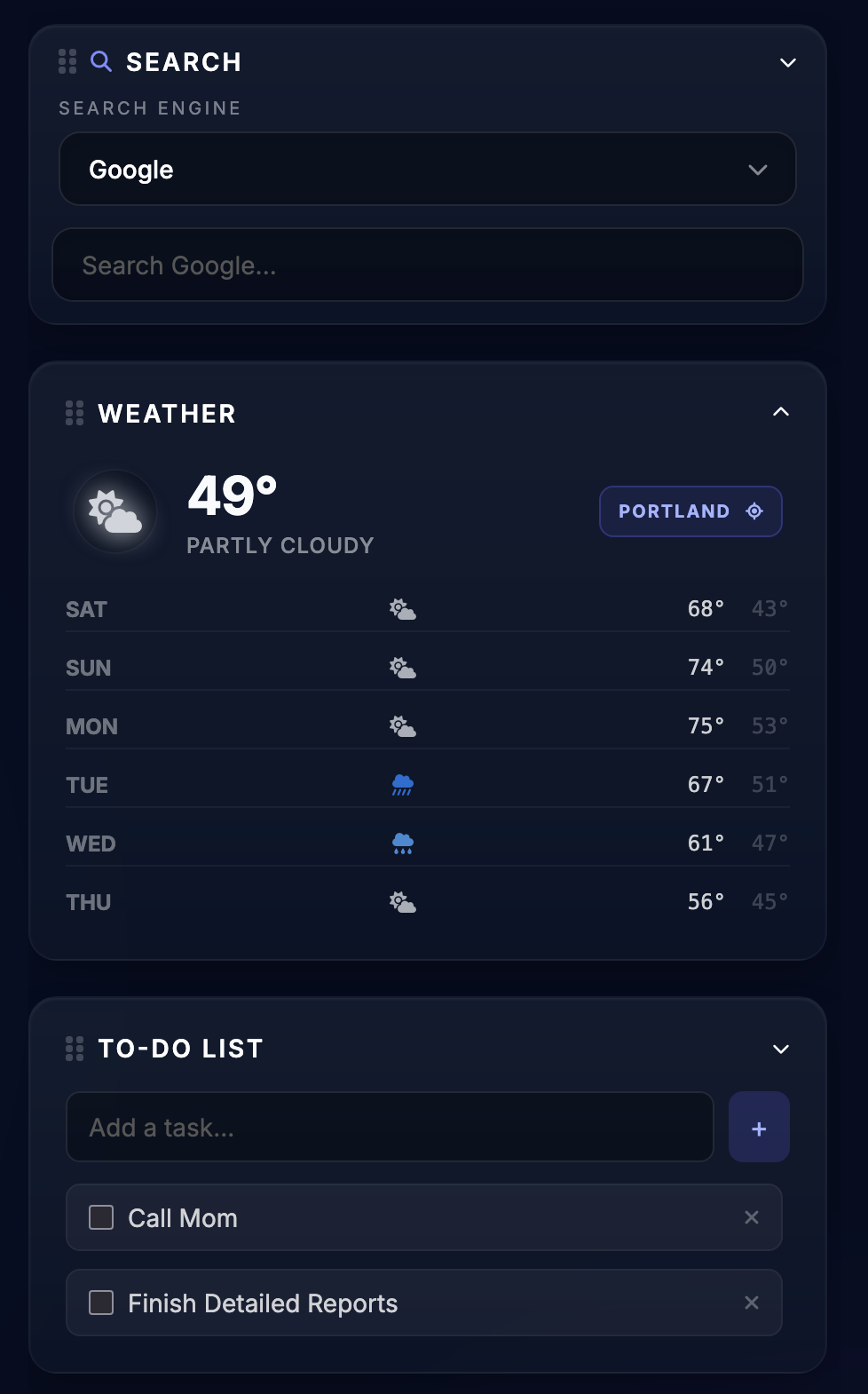
Search widget and To-Do List

Search the web from inside the dashboard and keep a simple running checklist visible in the same workspace.

To-do list widget
Weather widget
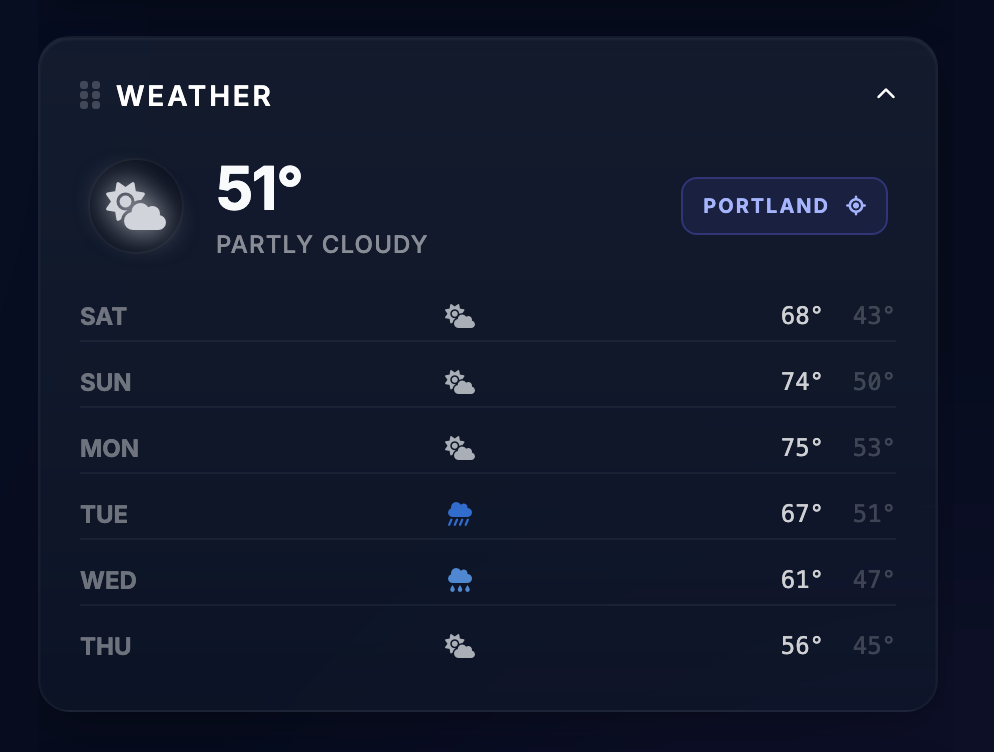
Weather widget

Daily forecast access stays visible in the workspace.

File Transfer Drop widget
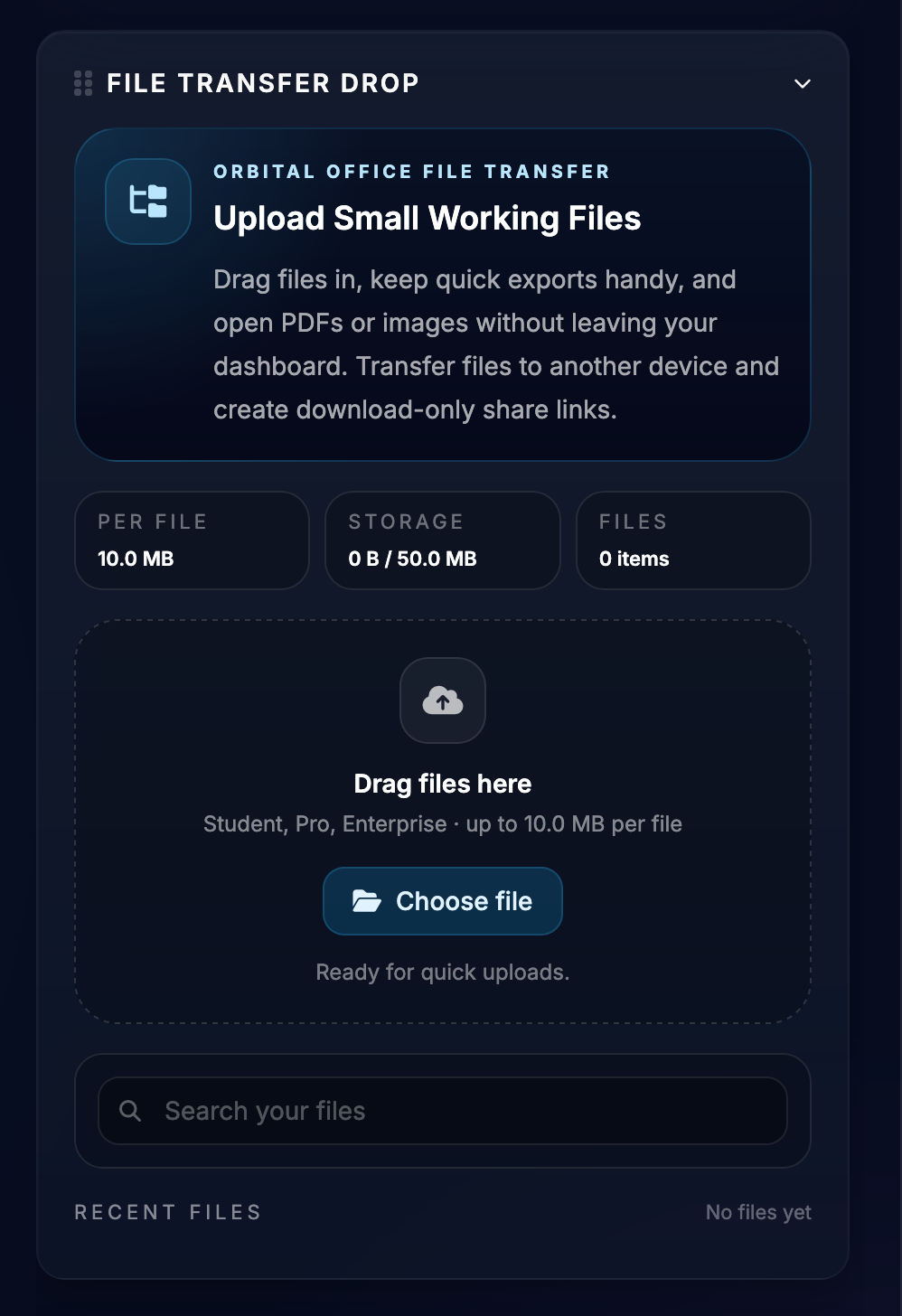
File Transfer Drop

Simple file saving and share-link workflows live inside the same workspace.

Quick notes widget
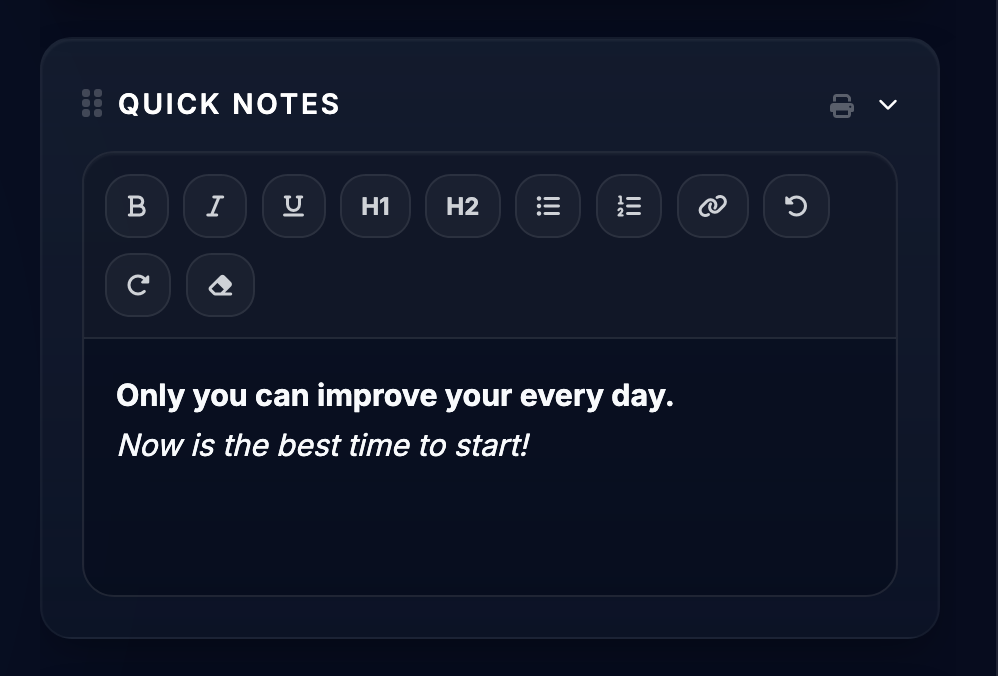
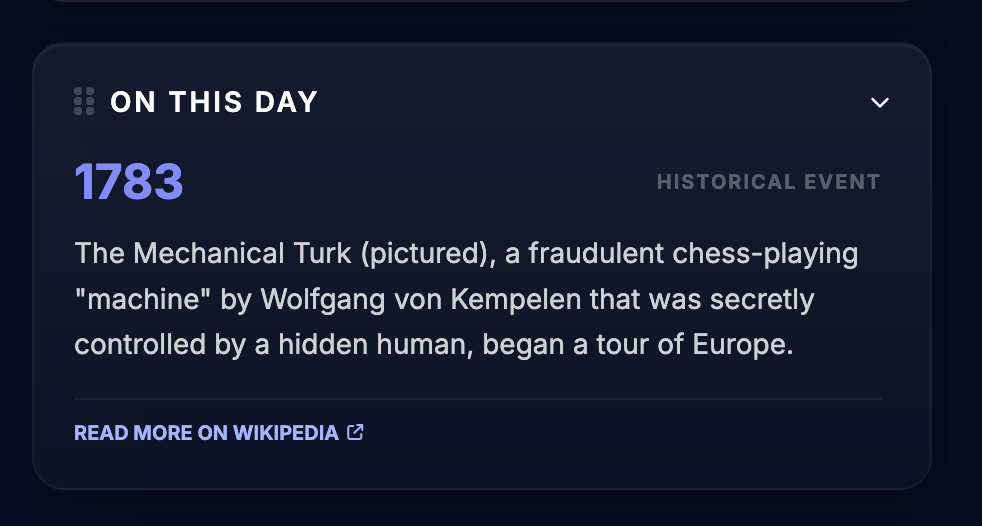
Quick Notes and Wikipedia

Capture ideas, reminders, and quick reference without leaving the dashboard.

Wikipedia widget
Shopping list widget
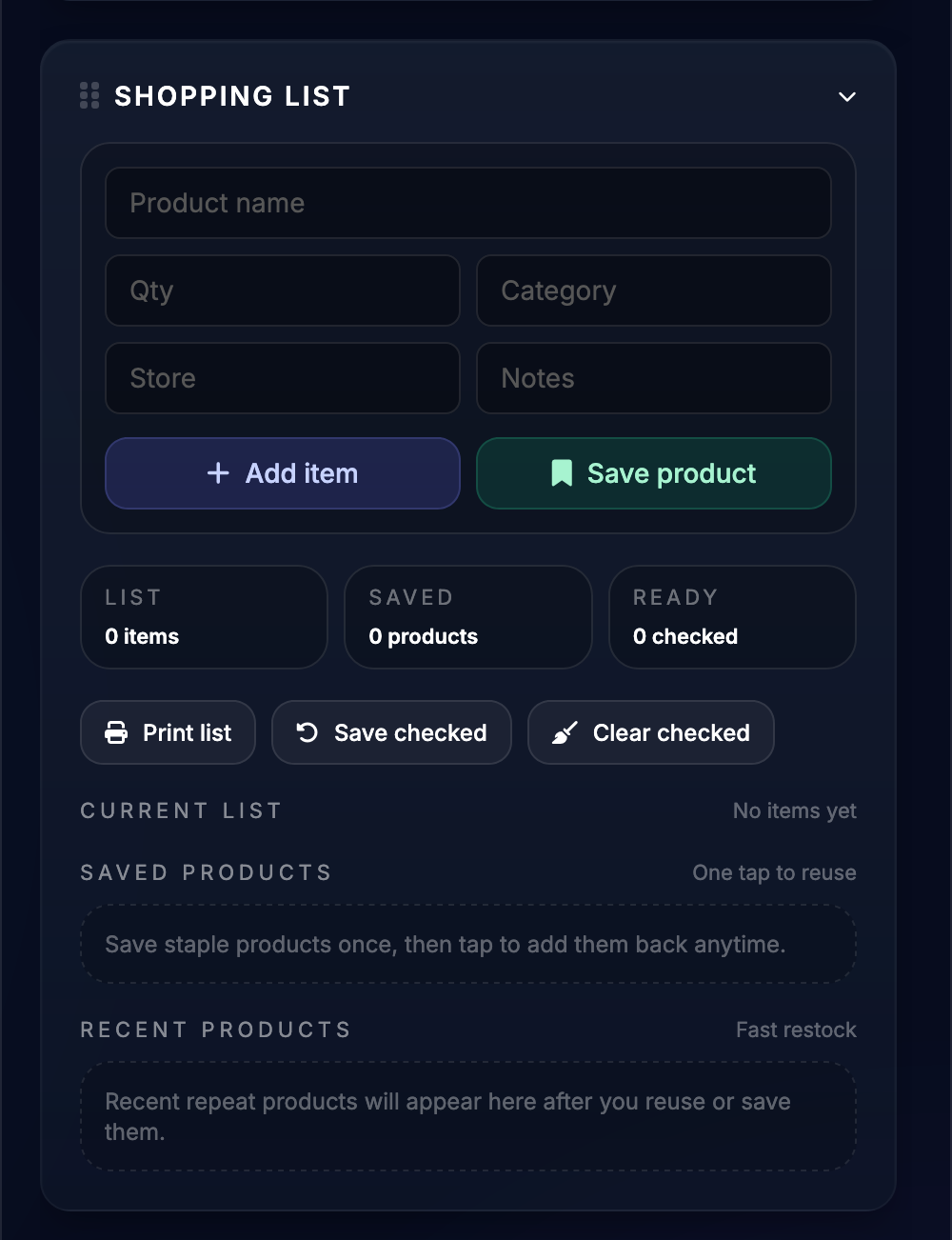
Shopping List

Useful for repeat product lists and printable planning.

Translator widget
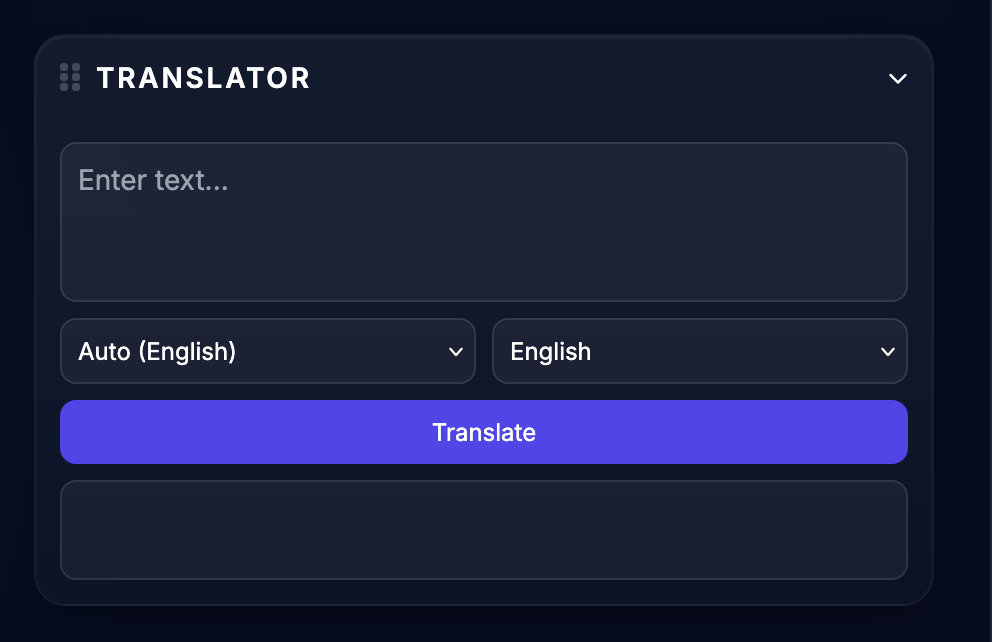
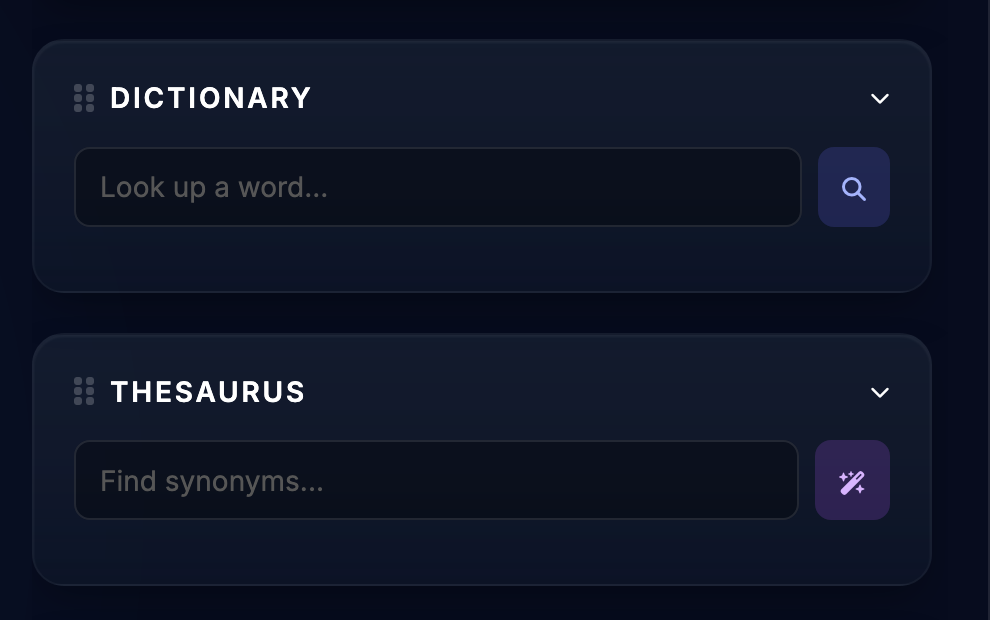
Translator, Dictionary, and Thesaurus

Translate quick phrases and keep word lookups nearby for writing, studying, or research.

Dictionary and thesaurus widget
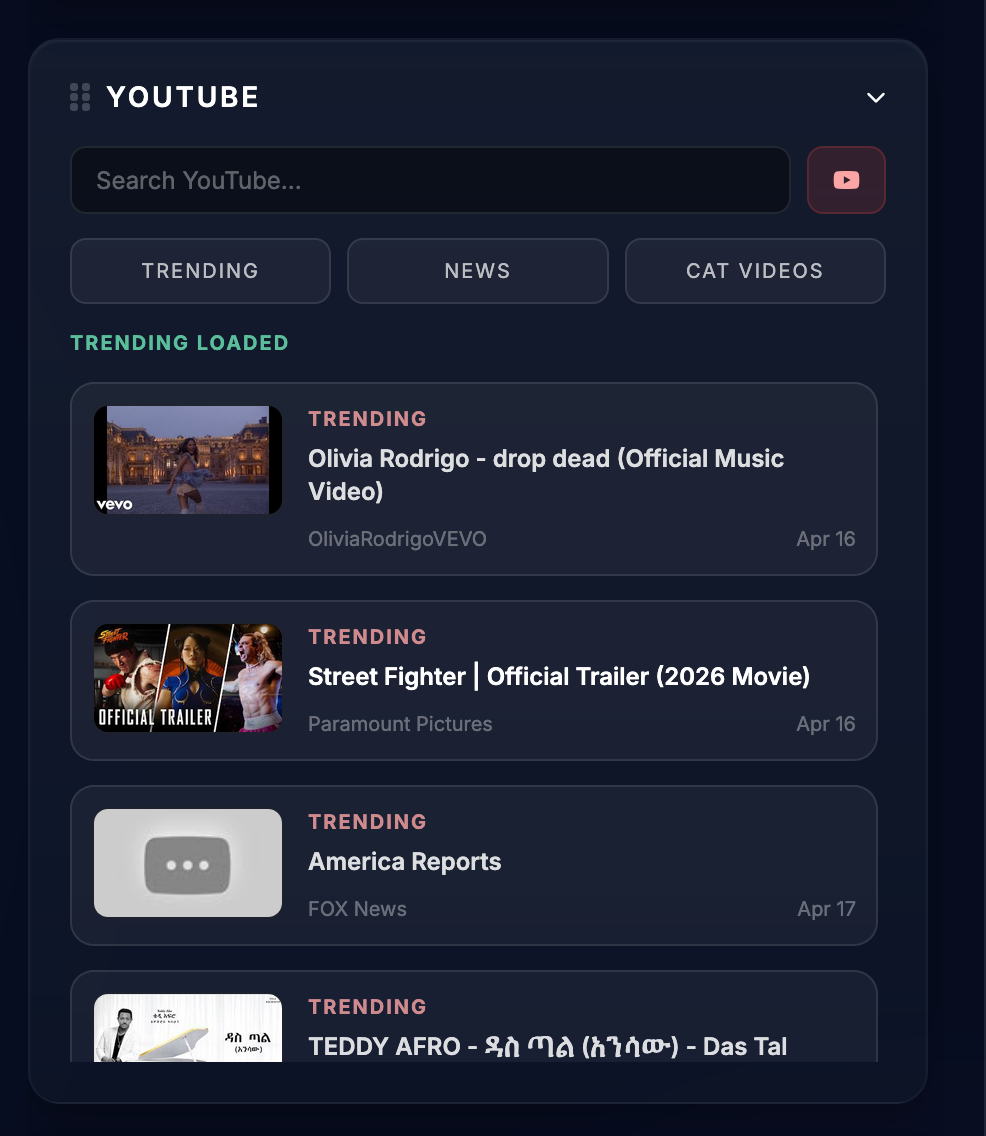
YouTube widget
YouTube widget

Pull in trending videos, quick searches, and reference content directly from the dashboard.

Widget visibility controls

Show, hide, and reorder the sidebar widget stack so the workspace stays clean.

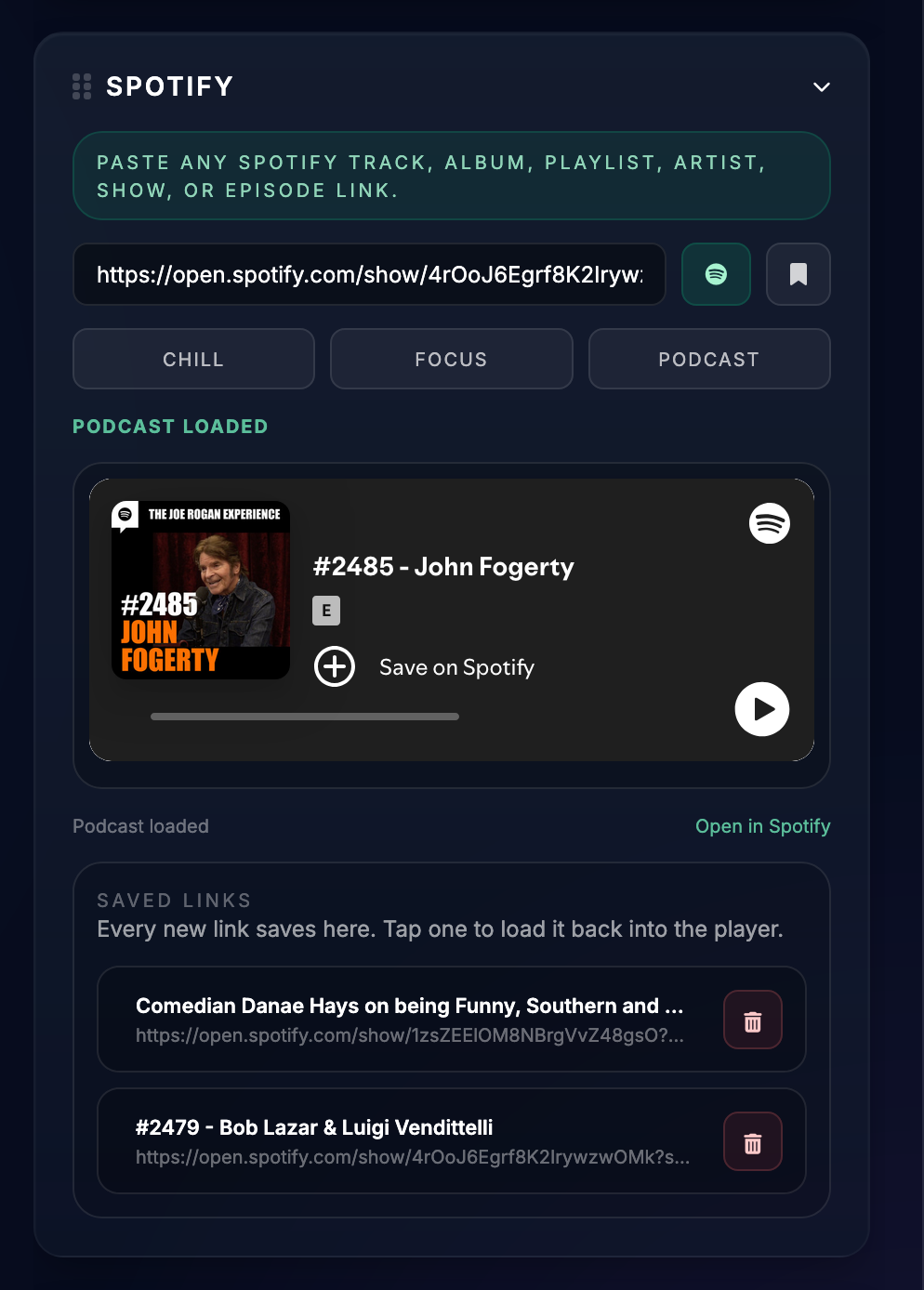
Spotify widget
Spotify widget

Keep podcasts, playlists, and saved listening links right inside the dashboard.

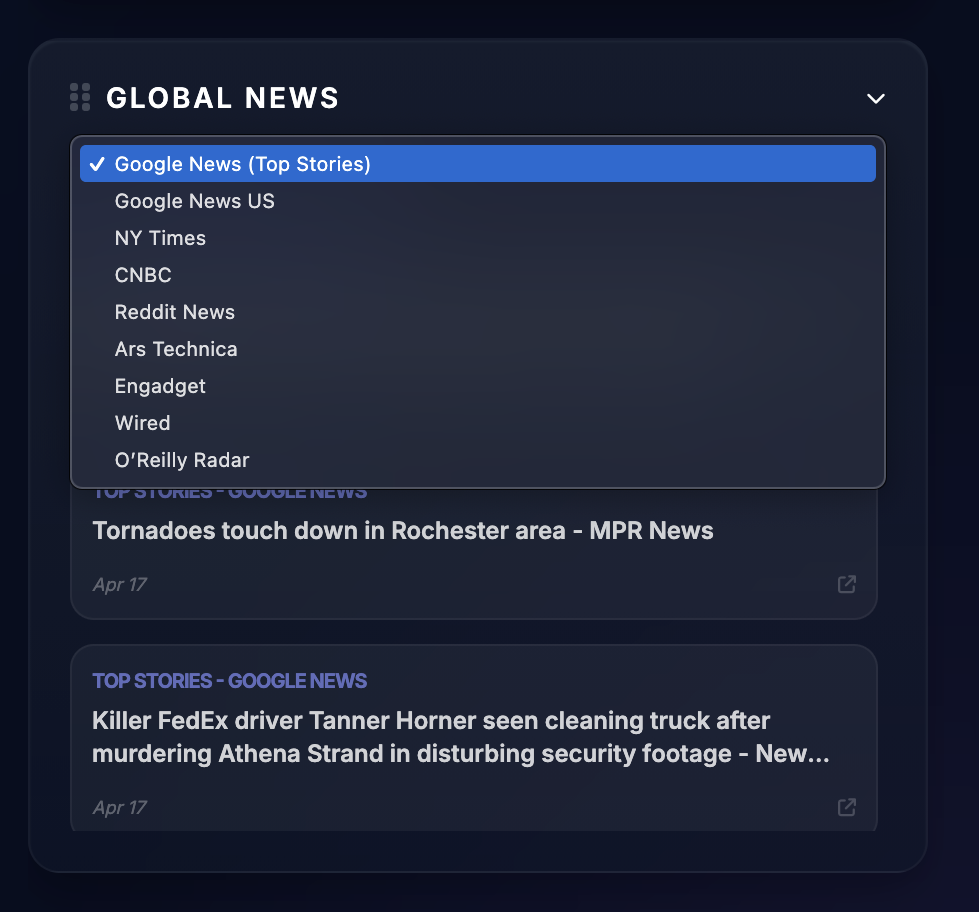
News widget
News sources and headlines

Switch between multiple news feeds and scan current headlines without opening a full news site first.

FAQ

Starter questions

Who is Starter for?

Starter fits people who want bookmark organization plus a practical set of dashboard tools without committing to a paid plan yet.

Is Starter only for bookmarking?

No. It starts with bookmarks, but it also includes notes, utility widgets, media widgets, reference tools, and file handling.

Why make a Starter feature page?

A standalone page gives search engines a crawlable URL and gives visitors a clearer explanation than hiding the feature list only inside modals.

Can visitors try it first?

Yes. The demo login is a good bridge from this feature page into the actual dashboard experience.

Orbital Office

Want the whole system in one place?

Browse the tier pages, compare the plan stack, and send visitors straight into the demo or signup flow from a dedicated feature URL instead of hiding everything inside modals.