
A smarter tab manager workflow without living in tab chaos.
Orbital Office helps you manage tab overload by turning recurring tabs into organized boards, saved links, and one cleaner dashboard. Instead of keeping fifty browser tabs open, save the ones you actually need and launch them from a better home base.
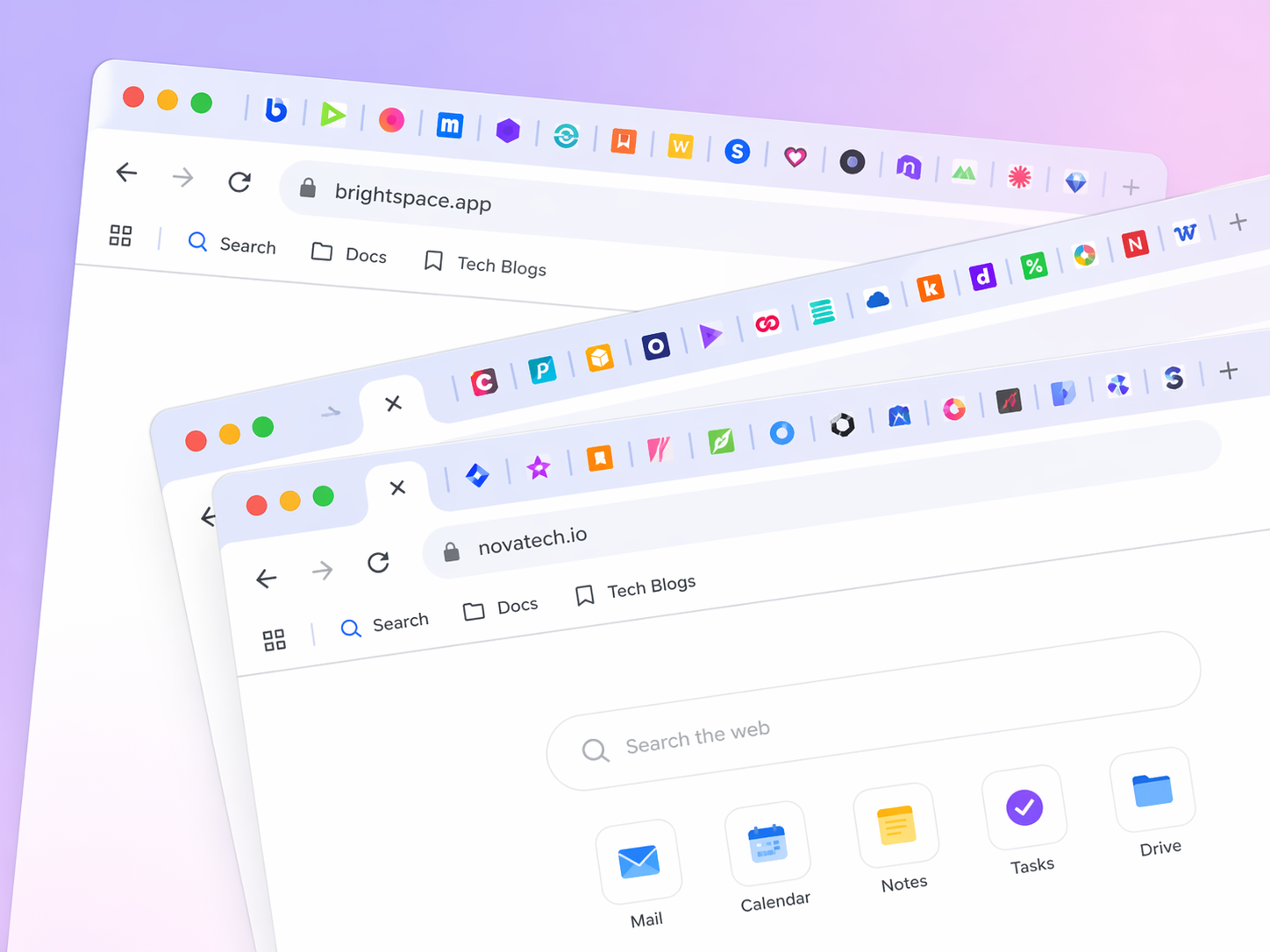
Save repeat tabs into boards
Create boards for work, research, client tools, shopping, content ideas, or class resources. Save the links that matter instead of keeping everything open all day.
Reduce browser overload
Use Orbital Office as a practical tab manager alternative when your browser feels like a crowded parking lot of half-finished tasks.
Upgrade when you want more
Start with tab cleanup and bookmarking free. Upgrade later if you want AI, business tools, and the rest of the Orbital Office workspace.
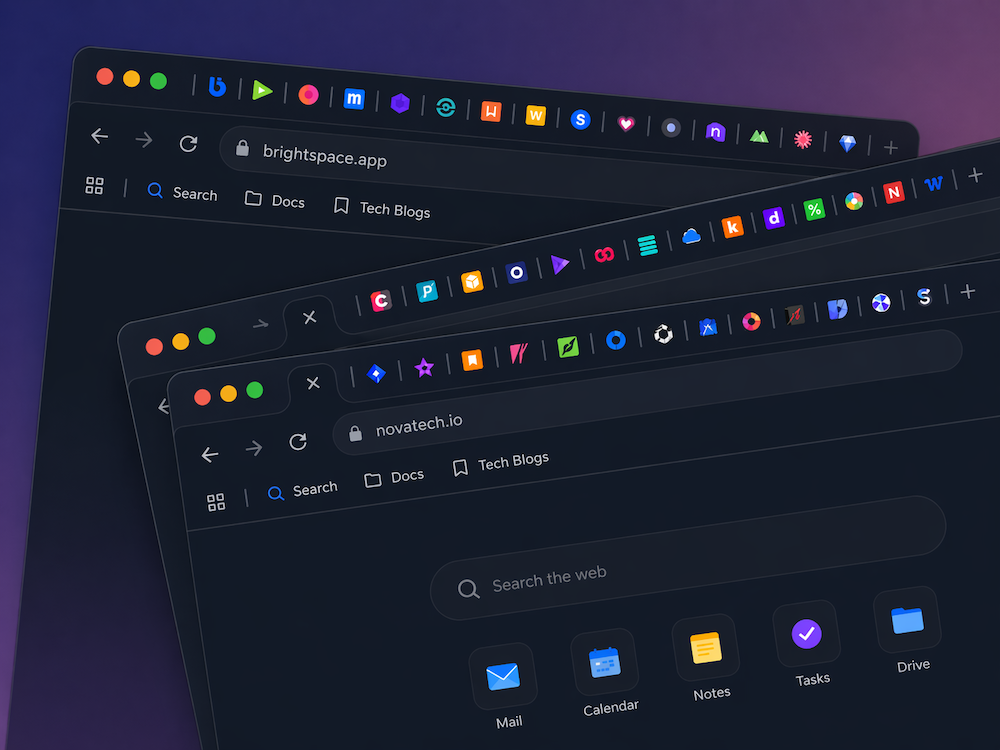
Keep the good tabs. Stop babysitting the rest.
Orbital Office is not pretending to be a tiny one-trick tab extension. It gives you a cleaner workflow: save the tabs worth keeping, organize them visually, and come back to them from one dashboard instead of keeping everything open forever.
Great for people searching for a better way to manage browser tabs and recurring web tasks.
Use saved boards as your calmer replacement for endless duplicate tabs.
Use the Orbital Office clipper to save pages while browsing and reduce tab pileups faster.
Once tabs are under control, Orbital Office can also support your broader workflow in the same place.
Why this tab manager page is a better fit
This page speaks directly to tab clutter, tab overload, and repetitive browser chaos instead of sending that traffic to a broad homepage first.
Tab manager angle
Directly targets users trying to control too many browser tabs.
Organized boards
Turns repeat-use tabs into grouped, reusable boards.
Browser workflow
Works with your normal browsing habits while cleaning up the mess.
Free starting point
Core tab cleanup through bookmarking starts free on Starter.
Frequently asked questions
Quick answers for tab-clutter visitors.
Is Orbital Office a traditional tab manager extension?
Not exactly. It solves the same pain from a better angle by helping you save recurring tabs into organized boards and a cleaner dashboard instead of keeping everything open.
Can I start free?
Yes. The core bookmarking workflow is available on the free Starter plan, which makes it a strong way to reduce tab overload without paying first.
Who is this best for?
Freelancers, remote workers, entrepreneurs, and anyone who keeps reopening the same tabs every day.
Can I test it before signing up?
Yes. Open the demo first, then create a free Starter account when you are ready for your own boards and saved links.
Stop reopening the same tabs. Start from one cleaner dashboard.
Use Orbital Office to reduce tab clutter, save the web pages you actually need, and get a calmer start to every workday.